01
It understands jewellery
General image tools make attractive pictures but often get settings, prongs and proportions wrong. A jewellery tool should know rings, earrings, pendants, stones and metals.
A guide for jewellery studios
Most studios use several AI tools for one piece: one for ideas, another for images, and CAD software for the final model. Aurevia puts these steps in one workspace built for jewellery.
Research a trend, build a moodboard, sketch, render, estimate the cost and show the piece in 3D or on a customer. It runs in your browser and as a desktop app.
Get started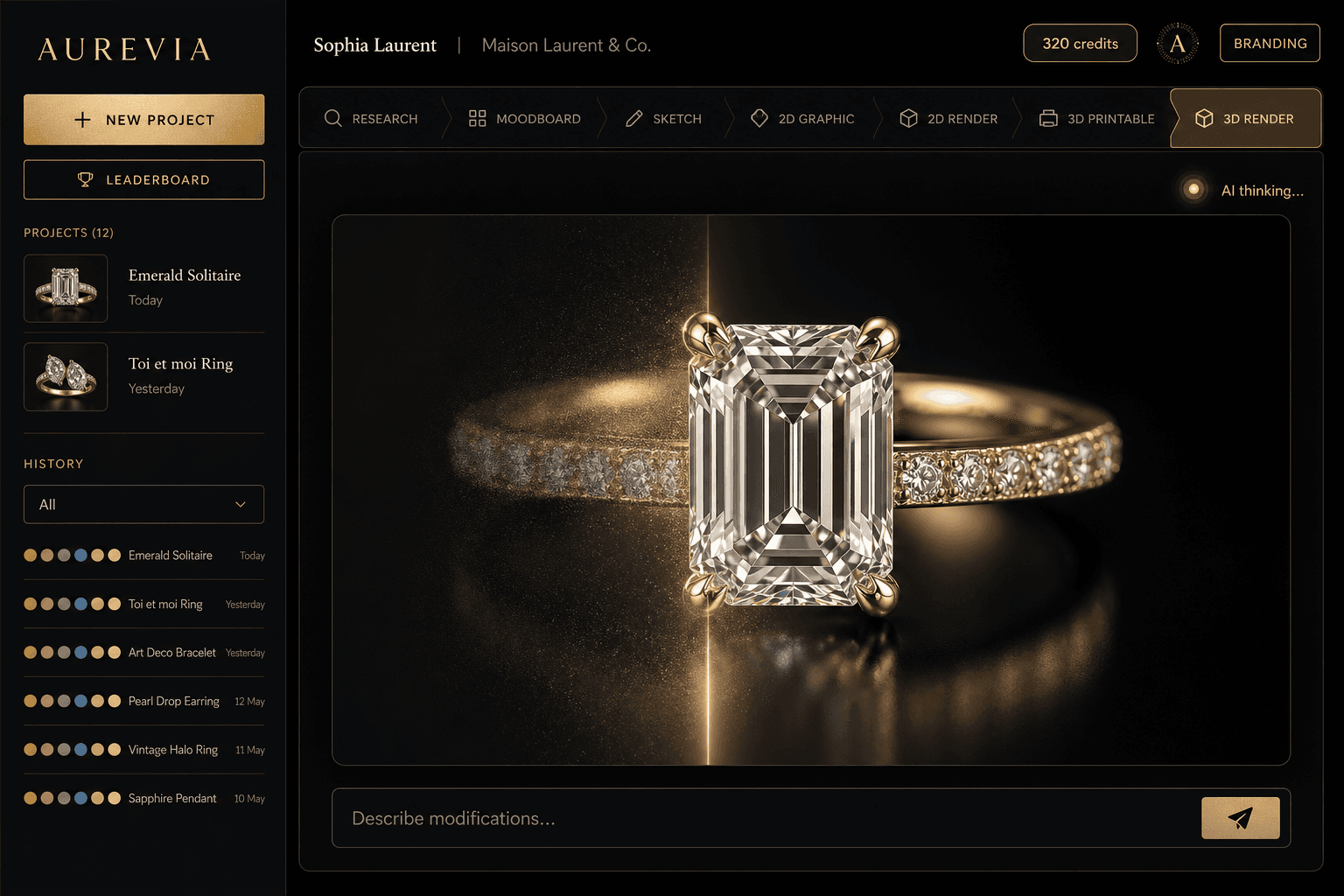
01
General image tools make attractive pictures but often get settings, prongs and proportions wrong. A jewellery tool should know rings, earrings, pendants, stones and metals.
02
Ideas, sketches, renders, costing and sharing with clients. Fewer hand-offs between apps means fewer lost details and less time spent re-explaining the design.
03
A render is not a CAD file. Look for measured design sheets and a clear path to CAD review with your jeweller before anything goes to production.
They are software that uses artificial intelligence to help design jewellery. Depending on the tool, they research trends, generate concept sketches, create photoreal renders, show a piece on a model or customer, estimate cost, or help build a 3D model.
Many designers mix general image generators for early ideas, jewellery-focused studios such as Aurevia for design, renders and client presentation, and CAD software such as Rhino or MatrixGold for production models. Keeping more of this in one place saves time and keeps the details consistent.
Research and moodboards, concept sketches and 2D graphics, photoreal renders, design sheets with dimensions and estimated metal weight, interactive 3D and AR, model photoshoots, virtual try-on, short jewellery videos and live metal rates for costing. Your team works in one company workspace with saved projects and version history.
No. You can describe a piece in plain words, speak it or upload a reference photo. Aurevia runs in your web browser and as a desktop app. Studios that already work in Rhino 8 can add the optional Aurevia plugin.
Not without review. AI can speed up design and produce measured sheets and 3D models, but your CAD specialist, setter and caster should check dimensions, stone settings and metal thickness before production. Aurevia’s own CAD engine is available by demo while it is tested.
Yes. Aurevia is based in Mumbai. Plans are priced in rupees, live metal rates include today’s Indian import duty, and model photoshoots cover Indian traditional wear as well as Western styling.
Yes. Jewellery is the spelling used in India and the UK; jewelry is the US spelling. Both mean software for designing rings, earrings, pendants, necklaces and bracelets.
Bring a real brief from your next collection. Take it from research to renders, costing and a client-ready 3D presentation in one place.