01
Start with your design brief
Bring a written idea or reference image. Identify the piece, its proportions, stones and intended metal so the design conversation starts with clear requirements.
For jewellery designers and studios
Explore Aurevia’s AI jewellery CAD engine alongside the tools your studio uses to research, design, render and present a collection.
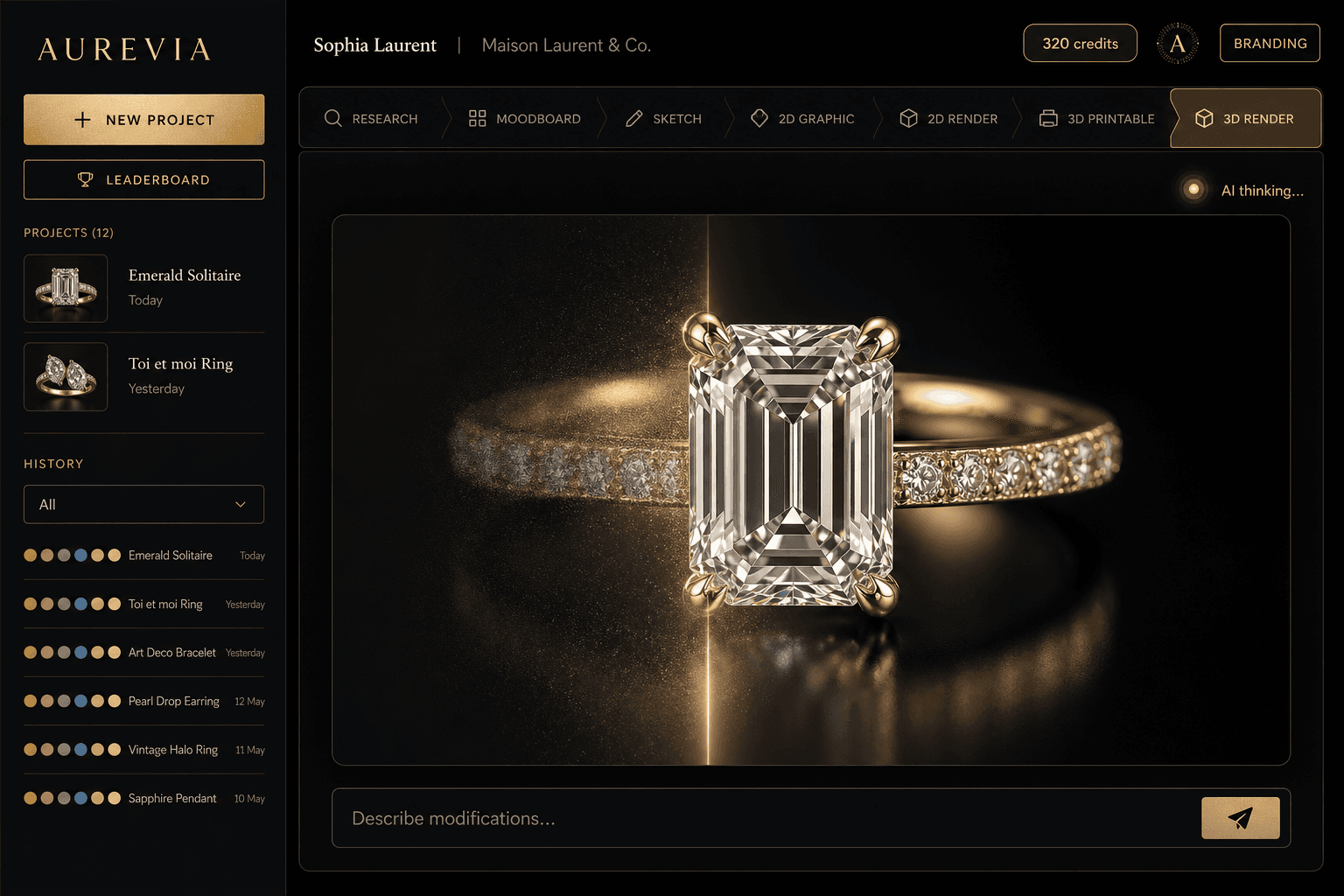
Aurevia is its own studio. It runs in your web browser and as a desktop app, with no Rhino or other CAD software needed. Rhino users can add an optional plugin.
Bring a real design brief to a demo. See the current CAD capabilities, discuss your workflow and find out about access.
Request a CAD demoCAD engine access is currently limited.
01
Bring a written idea or reference image. Identify the piece, its proportions, stones and intended metal so the design conversation starts with clear requirements.
02
Use Aurevia’s sketches, renders and design sheets to explore the idea and discuss it with your client before moving into detailed CAD review.
03
In a CAD demo, explore how the engine handles your brief. Review the geometry, supported details and available outputs with your studio before planning production.
AI jewellery CAD uses artificial intelligence to help translate a design brief into a computer-aided design workflow. A jewellery CAD model describes shape and dimensions for technical review. A photoreal image helps you judge appearance; it does not, by itself, provide the geometry needed to make the piece.
Aurevia brings research, moodboards, sketches, renders, design sheets and 3D presentation into one studio. Its in-house CAD engine is being developed to connect design specifications with parametric jewellery geometry. Ask for a demo using a brief from your own collection to see the current capabilities.
No. Aurevia is its own jewellery design studio. It runs in your web browser and as a desktop app, so you don’t need Rhino or any other CAD software. Studios that already work in Rhino 8 can add the optional Aurevia plugin, which brings the same studio into a Rhino panel.
CAD engine access is currently limited while it is being developed and tested. Contact Aurevia to request a demo and discuss access for your studio. A general studio trial does not automatically include access to the experimental CAD engine.
A design needs technical review before production. Your CAD specialist, setter and caster should check dimensions, stone settings, metal thickness and the requirements of the intended manufacturing process. Discuss the supported design types and export options during your demo.
Yes. Jewellery is the spelling commonly used in India and the UK; jewelry is the US spelling. Both refer to computer-aided design for pieces such as rings, earrings, pendants and bracelets.
Based in Mumbai, Aurevia is built for jewellery studios. Talk with us about AI CAD for your designs, or explore the wider studio for research, renders, costing and client presentations.