01
Photoreal renders
Create clean product images in yellow gold, silver or platinum for catalogues, websites and client previews. Try variations before you choose.
For jewellery brands and studios
Turn a sketch, reference photo or written brief into a photoreal render. Show the sparkle, setting and finish before the piece is made.
Then put it on a model, on a customer’s own photo or into a short video for your launch. Every render stays saved with the project.
Get started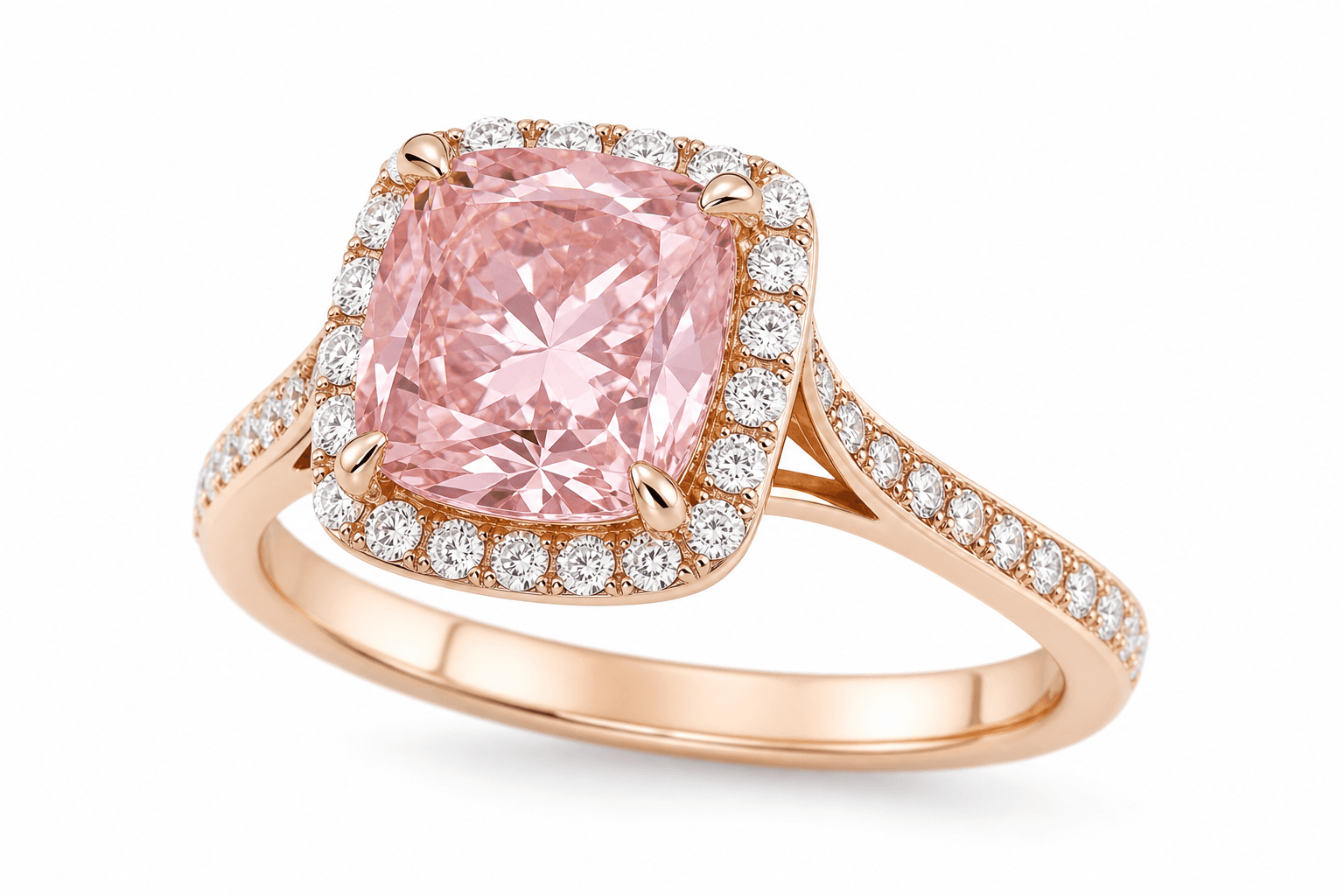
01
Create clean product images in yellow gold, silver or platinum for catalogues, websites and client previews. Try variations before you choose.
02
Choose the model, skin tone, wardrobe, pose and lighting. Style the piece with Western looks or Indian traditional wear to match your collection.
03
Show the piece on a customer’s photo of their hand, ear, neck or wrist. Animate a render or model shot into a 5 to 30 second video.
It is a realistic image of a piece of jewellery made by AI instead of a camera. It lets you see and share a design before it is made, and gives you product imagery without a photoshoot.
Aurevia is built for jewellery. It works from your sketch, photo or brief, and saves each image with the project alongside its design sheet, costing and 3D model.
Studios use Aurevia renders for catalogues, websites, social posts and client previews. See our Terms of Service for how generated images may be used.
Yes. Upload a Rhino .3DM or an .STL file to 3D Render. Pick a metal or gem for each part, set the finish, gold purity or stone clarity, and present an interactive 3D view.
Yes. Virtual try-on places the piece on a customer’s photo of their hand, ear, neck or wrist. Interactive 3D models can also open in AR on supported devices.
No. AI renders are made on Aurevia’s servers. You only need a web browser, or you can use the Aurevia desktop app.
Bring a sketch or a reference photo and leave with catalogue renders, model shots and a short video, all saved in one project.