Comparison

Aurevia vs BLNG.

BLNG and Aurevia both use AI to help jewellers design and present pieces. BLNG focuses on fast, photoreal concept renders and marketing content. Aurevia covers design too, then carries the piece on to a measured design sheet, a 3D model and CAD.

Here is a fair comparison, using BLNG’s own website as of October 2026.

Get started

Facts checked on each maker’s own website on .
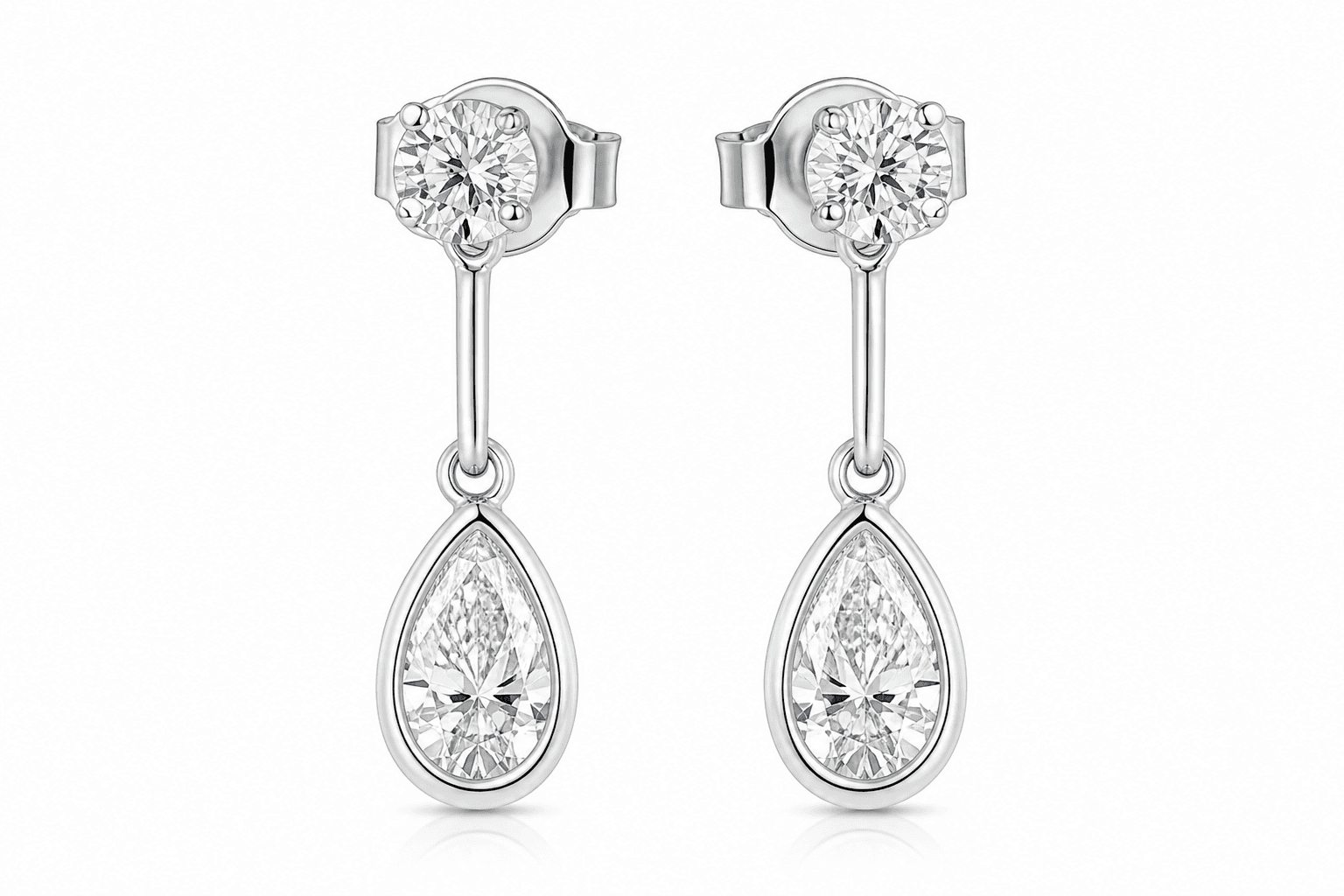
Diamond drop earrings with round studs and pear-shaped bezel drops in white gold
Diamond drop earrings from the Aurevia gallery.

Side by side

Main job

Aurevia
A design studio: from a brief or photo to renders, a measured sheet, 3D and CAD
BLNG
Photoreal concept renders from sketches, photos or text; marketing content

3D or CAD output

Aurevia
3D model; parametric CAD (STL, STEP, Rhino .3dm) by demo
BLNG
None. BLNG Studio uses your existing CAD as input

Marketing images

Aurevia
Renders, model photoshoots, virtual try-on, short videos
BLNG
Product, on-model and 360° images and video (BLNG Studio)

Drawing

Aurevia
AI sketches from text or a photo
BLNG
Drawing tools, layers and a drawing companion

Where it runs

Aurevia
Web browser and desktop app
BLNG
Web browser and iPhone/iPad app

Price

Aurevia
₹1,999 to ₹39,999 a month + 18% GST, by team size
BLNG
Free Starter plan; Professional $49 per user a month; Enterprise on request

What both do

  • Turn a written idea, a sketch or a reference photo into photoreal jewellery images.
  • Let you refine a design in rounds instead of starting over.
  • Help you show a client the piece before it is made.

Where Aurevia is different

  • It goes past the picture. A design becomes a measured sheet (front, side and top views, dimensions and estimated metal weight) and a 3D model you can rotate and view in AR.
  • Its own engine builds parametric CAD from the design, with STL, STEP and Rhino .3dm downloads. Access to Aurevia’s own CAD engine is limited while it is tested; studios get it by demo.
  • It is priced in rupees with GST invoices, and costing uses live metal rates that include Indian import duty.
  • Research, mood boards and model photoshoots (including Indian traditional wear) sit in the same project.

Where BLNG is stronger

  • It has a free plan, so you can try it without paying.
  • Hands-on drawing and editing tools (mask, replace, paint over) for designers who like to sketch.
  • BLNG Studio is built for marketing at scale: product, on-model and 360° content from the CAD files you already have.
  • An iPhone and iPad app, and a retail product for custom design in the store.

Which should you choose?

Choose BLNG if you mainly need beautiful concept images and marketing content, and you already have a CAD team to build the pieces.

Choose Aurevia if you want design, client images and the path to a CAD file in one place, priced in rupees. The simplest test is to run the same real brief through both.

Questions about Aurevia and BLNG

Is Aurevia a BLNG alternative?

Yes, for design and client images: both turn ideas and photos into jewellery renders. Aurevia also produces measured sheets, 3D models and, by demo, CAD files. If you need large-scale marketing content made from CAD files you already have, BLNG Studio may suit you better.

Does BLNG make CAD files?

Not according to its website. BLNG Design makes images, and BLNG Studio uses your existing 3D or CAD models as the starting point for marketing content.

Which is cheaper, Aurevia or BLNG?

BLNG has a free plan and a Professional plan at $49 per user a month. Aurevia starts at ₹1,999 a month + GST for one seat, with monthly credits for AI actions. Compare them on the work you will actually do each month.

Can I use Aurevia and BLNG together?

Yes. Some studios use one tool for quick concept images and another for sheets, 3D and CAD. Aurevia exports images, STL, STEP and Rhino .3dm files, so the work can move between tools.

Run your next brief through Aurevia.

Bring a sketch or a customer’s photo. See the renders, the measured sheet and the 3D model, and ask us for a CAD demo.