01
It understands jewellery
General image tools make attractive pictures but often get settings, prongs and proportions wrong. A jewellery tool should know rings, earrings, pendants, stones and metals.
2026 guide for jewellery studios
“AI jewellery tool” covers very different products. Some make concept pictures. Some make photos for your website. A few make 3D or CAD files that a workshop can print and cast. The best tool is the one that does your job.
We grouped the tools that come up for this search by what they actually make, using each maker’s own website. Aurevia is our product. It is listed with the same kind of facts and limits as the rest.
Get startedFacts checked on each maker’s own website on .
01
General image tools make attractive pictures but often get settings, prongs and proportions wrong. A jewellery tool should know rings, earrings, pendants, stones and metals.
02
A picture helps you sell an idea. A mesh helps you see it in 3D. Only CAD with real measurements can go to a CAD specialist for printing and casting. Check which one each tool gives you.
03
Count the hand-offs between apps, the currency you pay in and who on your team will use it. Fewer hand-offs means fewer lost details and less re-explaining.
Fast, photoreal pictures of a new idea. Good for mood, client conversations and choosing a direction. These images cannot go straight to casting.
BLNG
A creative suite for jewellery. BLNG Design turns a sketch, photo or text into a photoreal render, with drawing and editing tools. BLNG Studio makes product, on-model and 360° content from your existing 3D models. It runs on the web and as an iPhone and iPad app.
Tashvi AI
An AI assistant for jewellers. Describe a piece, or upload a sketch or photo, and refine it in conversation. Paid plans add 360° videos and draft 3D meshes, which Tashvi calls a starting point for a CAD professional. Tashvi One tracks stock and sales.
Dzine
A general AI image and video workspace rather than a jewellery-only tool. Its free AI jewellery design tool makes concept images from a text description and a choice of styles.
For finished or nearly finished pieces: website photos, models wearing the piece and short videos.
The New Black
An AI platform built mainly for fashion brands. Its AI fashion models work with jewellery too: upload a product photo and see it on a model. It does not design jewellery or make 3D files.
These aim at a file a workshop can use. Even so, a CAD specialist should check stone seats, metal thickness and ring size before anything is printed and cast.
Pencil World Inc.
An AI design and commerce platform for jewellery. You design with Pencil’s templates, base designs and AI designer. Shop plans add ring and pendant builders, quoting and live pricing to your own website. Enterprise adds custom parametric templates and a custom-trained AI agent.
2Shapes Technologies
Jewellery CAD for Rhino. Version 7 adds an assistant that runs real RhinoArtisan commands from plain text, a link that lets Claude, ChatGPT or Gemini drive it, and a studio for AI images, video and organic 3D meshes. It is full CAD software, so it suits people who already model in Rhino.
Aurevia, Mumbai, India
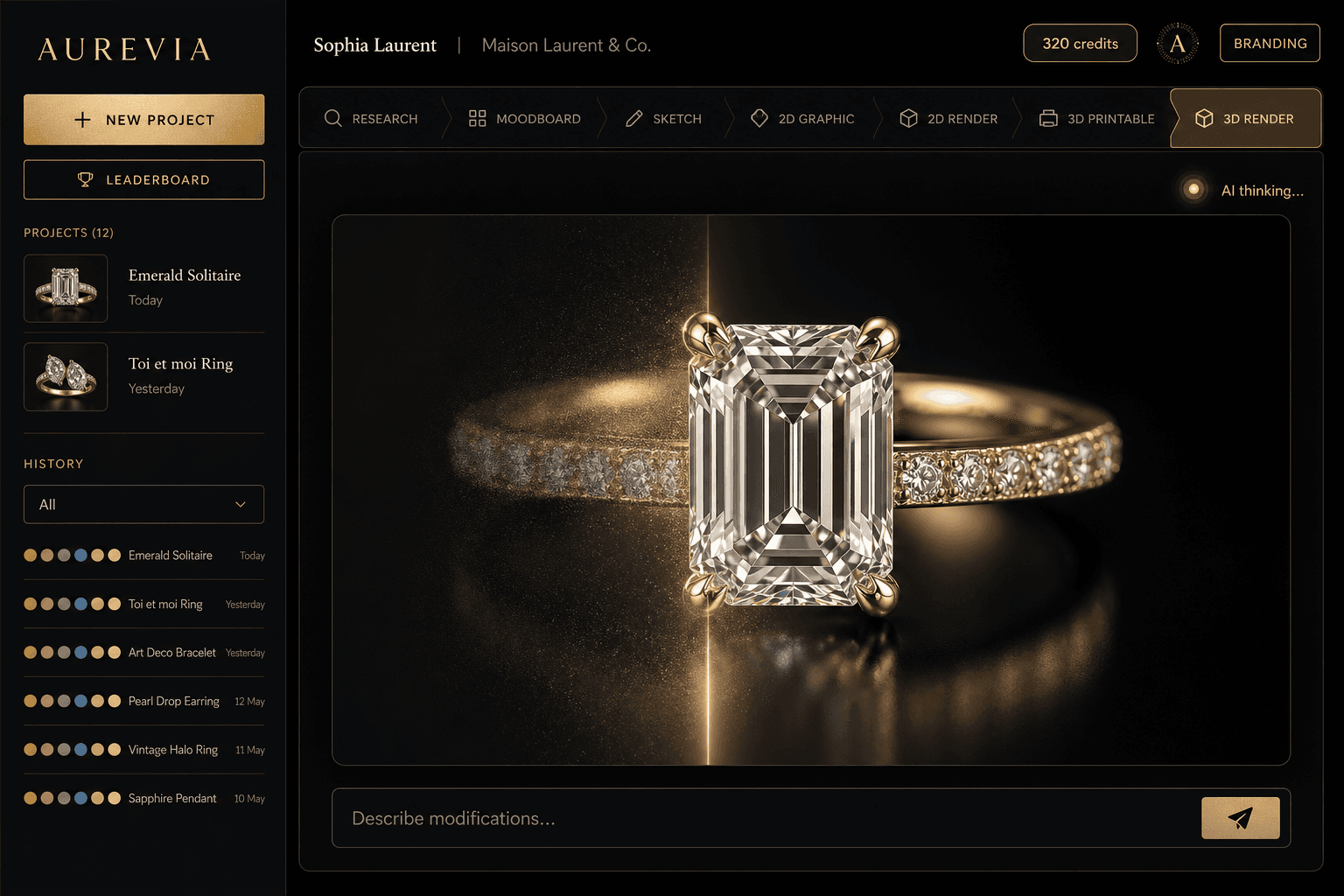
A jewellery design studio in the browser and as a desktop app. It takes a brief or a reference photo through sketches, renders, a measured design sheet and a 3D model. Its own engine builds parametric CAD from the design. Access to Aurevia’s own CAD engine is limited while it is tested; studios get it by demo.
From each maker’s website on the check date above. Most list prices in “$” without naming the currency. Prices change, so check before you buy.
It depends on the job. For quick concept renders, BLNG and Tashvi are built for jewellery. For on-model and marketing images, BLNG Studio or The New Black. For ring builders on your own website, Pencil. For AI inside a Rhino CAD workflow, RhinoArtisan. For one studio that goes from a photo or brief to renders, a measured sheet and a CAD model, Aurevia; its CAD engine is available by demo while it is tested.
Software that uses artificial intelligence to help design jewellery. Depending on the tool, they generate concept sketches and photoreal renders, put a piece on a model, estimate cost, or help build a 3D or CAD model.
Some tools now do. Pencil, Tashvi (in beta), RhinoArtisan and Aurevia each offer a route to a 3D or CAD file. Image tools such as BLNG Design, Dzine and The New Black do not. Whatever the tool, have a CAD specialist check stone seats, metal thickness and sizes before printing and casting.
Yes. BLNG, Tashvi, Pencil and Dzine all list free plans, with limits. Aurevia’s plans start at ₹1,999 a month + GST.
Aurevia is based in Mumbai. It charges in rupees with GST invoices, its live metal rates include Indian import duty, and model photoshoots cover Indian traditional wear. The other tools on this list price in dollars or euros.
No. You can describe a piece in plain words, speak it or upload a reference photo. Aurevia runs in your web browser and as a desktop app. Studios that already work in Rhino 8 can add the optional Aurevia plugin.
Yes. Jewellery is the spelling used in India and the UK; jewelry is the US spelling. Both mean software for designing rings, earrings, pendants, necklaces and bracelets.
Bring a brief or a customer’s photo from your next order. Take it from sketches and renders to a measured sheet and a 3D model in one place, priced in rupees.